Executive
Analytics &
Board Reporting
Power BI dashboards designed for executive decision-making. Performance at a glance. Drill-through when needed. Built for board meetings and mobile.
Why executive Power BI fails
The 47-Metric Dashboard
The Power BI report shows every metric the team could think of. Scroll, scroll, scroll. The CEO wants three numbers: revenue, margin, cash. Every meeting starts with 'can you filter to just my region?'
Stale Board Deck
The board deck gets built on the 5th using data from the 3rd. By the meeting on the 15th, numbers are two weeks old. Decisions made on dated information.
"Why Is This Different?"
Revenue in the dashboard doesn't match the quarterly board deck. Someone investigates. Different handling of a large contract. Nobody's wrong, but nobody trusts the semantic model.
Deliverables
Executive Power BI Suite
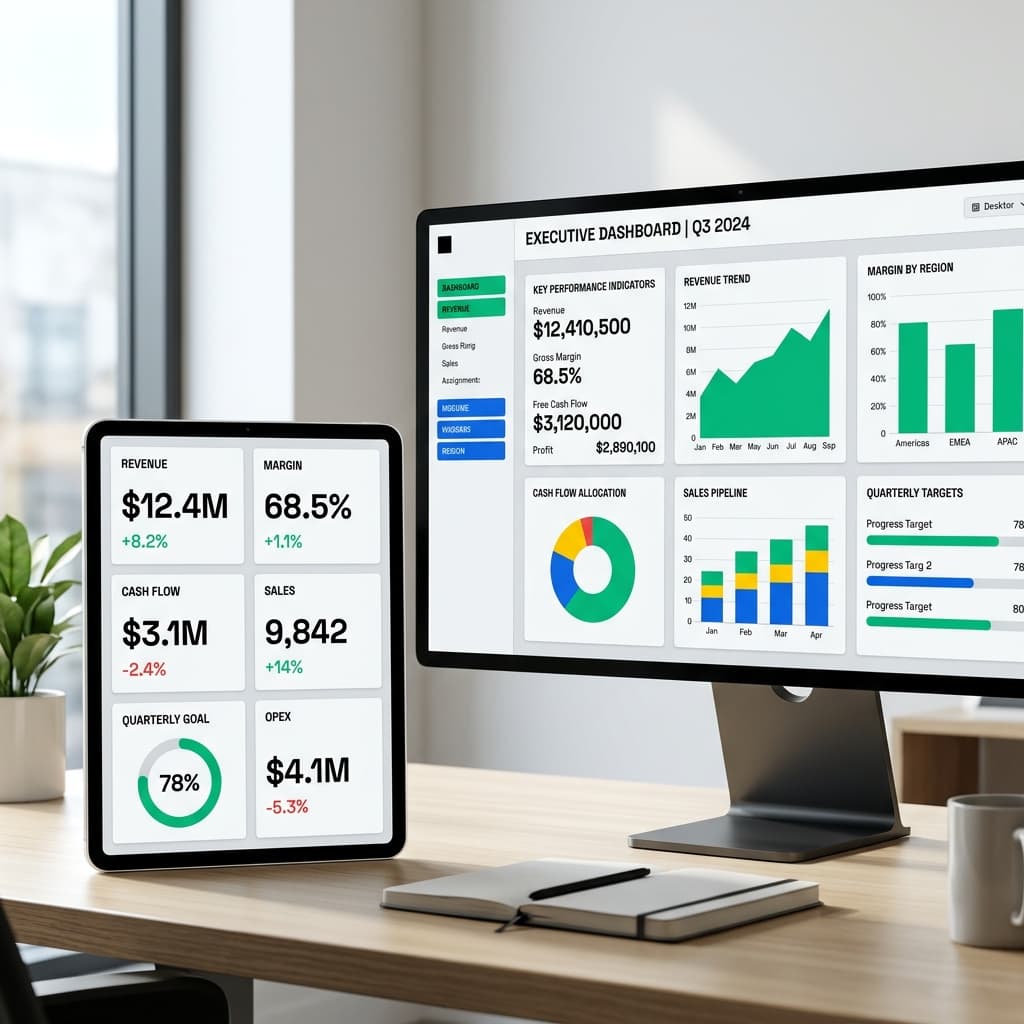
Dashboards for executive consumption: Overall performance, Financial summary, Operational KPIs, and Trend analysis. Designed mobile-first for executives.
Drill-Through Capability
Click any number to understand drivers. Revenue down? Click to see by region. Region looks odd? Click to see by customer. Without leaving Power BI.
Automated Daily Refresh
Data refreshes daily from Fabric Lakehouse. Executives see current numbers, not last month's close.
Board Export Package
One-click PowerPoint export with consistent formatting. Board deck is always current because it pulls from the same semantic model.
Our Process
Decision Discovery
Interview executives to understand decision needs. What questions do they ask most? What numbers drive decisions?
Design & Mockup
Design layouts, define metrics, confirm data sources. Executives review mockups before we build.
Build & Integrate
Develop in Power BI Desktop on top of semantic model. Implement drill-through, RLS, and mobile optimization.
Refinement & Adoption
Deploy, gather feedback, refine. Plan for 2-3 rounds of iteration to ensure perfect fit.
"40% reduction in rental overruns through real-time equipment utilization tracking"
The Situation
A construction company didn't know how efficiently their equipment and fleet vehicles were being used. Rental equipment often sat idle, or exceeded contracted hours resulting in overage fees.
What We Built
- Samsara API Integration to Fabric Lakehouse
- Utilization Analytics vs rented hours
- Executive Dashboard with safety rankings
"Board prep time reduced from 4 hours to 30 minutes with automated executive dashboards"
The Situation
A PE portfolio CFO spent 4+ hours before every board meeting compiling performance data from three acquired companies into PowerPoint with different ERPs.
What We Built
- Single executive Power BI dashboard
- Drill-through by portfolio company (P&L)
- One-click PowerPoint export
FAQ
Common questions about executive analytics, answered straight.